Control what can run on business systems
Prevent unapproved software from becoming an incident
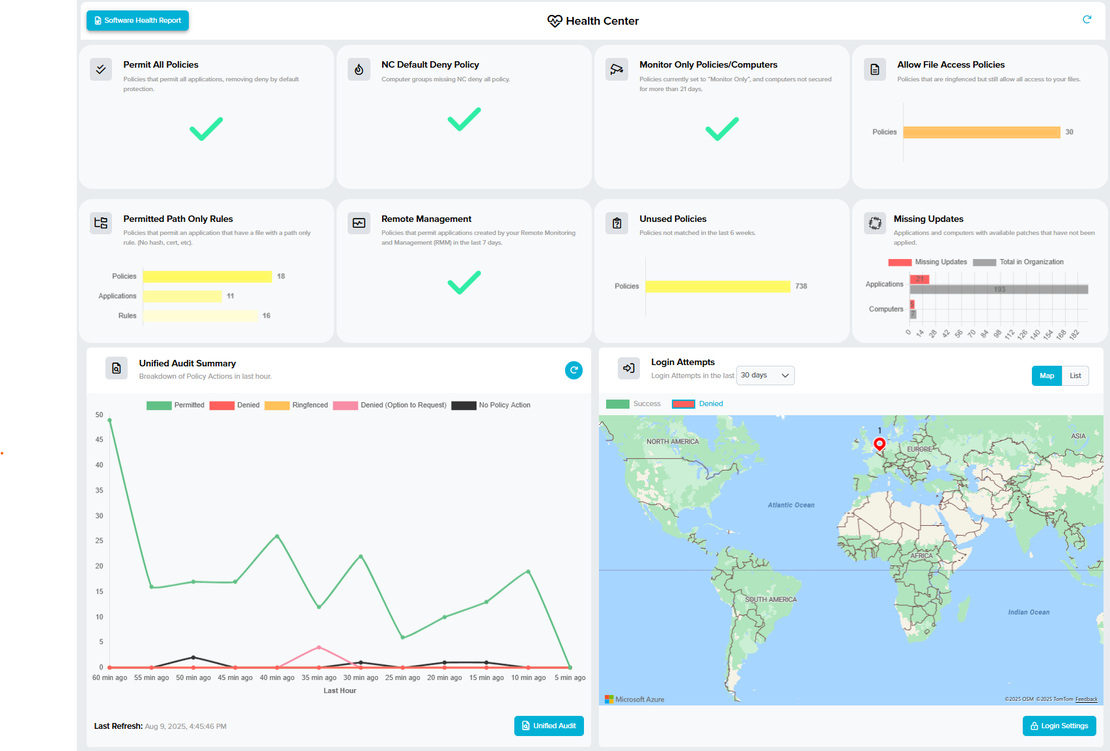
Traditional endpoint protection remains important, but it does not always stop new or misused software. ThreatLocker adds a default-deny layer: approved business applications can run, while unknown or unauthorised activity is controlled.
Practical endpoint controls
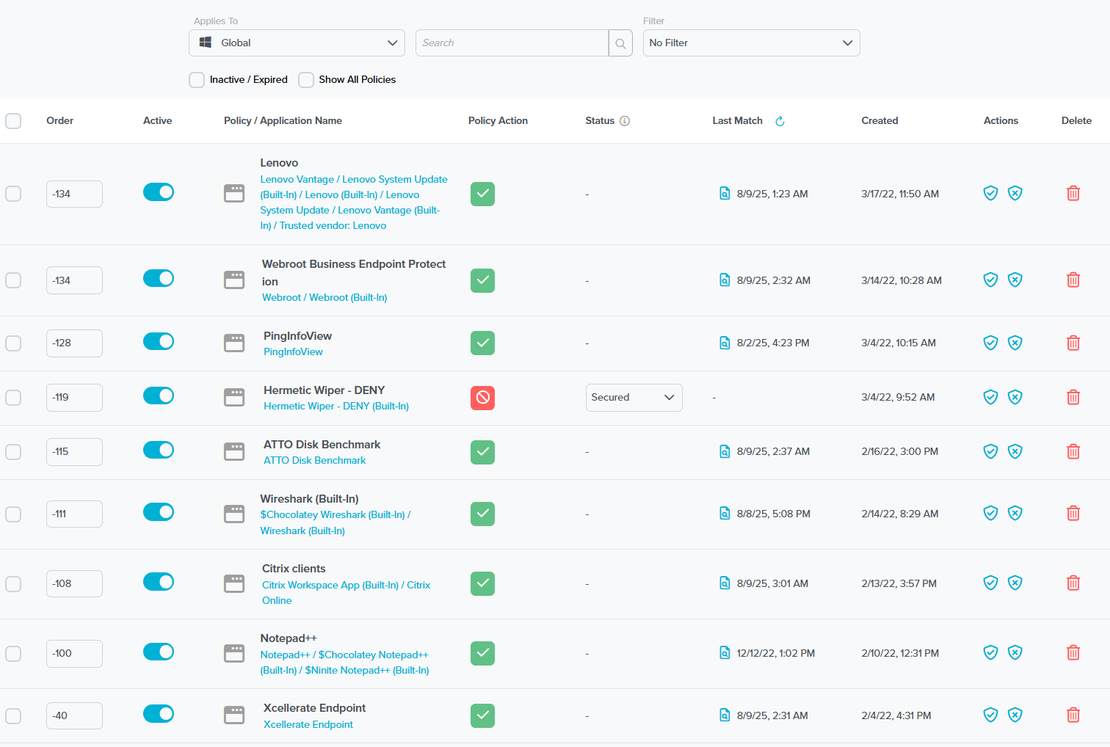
- Application allowlisting based on the software your organisation needs.
- Policies that determine which users and systems may run each application.
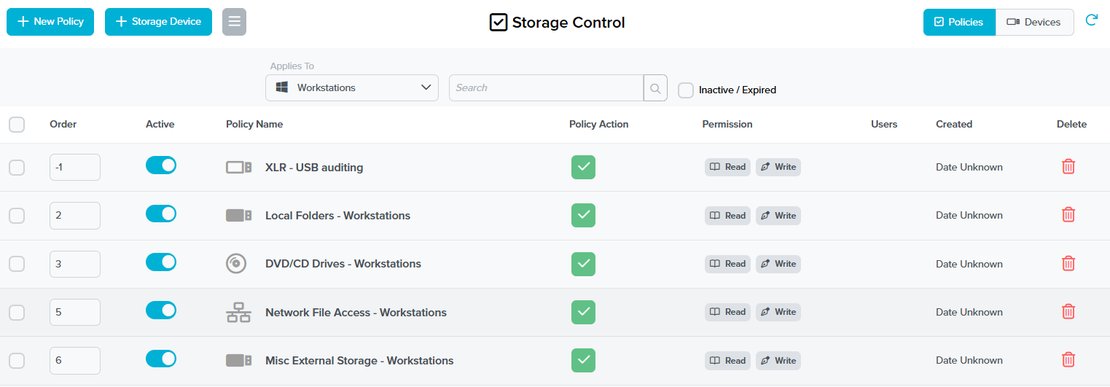
- Storage controls for removable media and other storage locations.
- Detailed event information to support investigation and audits.
- A managed approval process for legitimate changes.
Control without blocking the business
A default-deny approach requires careful preparation. Xcellerate inventories applications, establishes a baseline, agrees approval responsibilities and introduces policies in manageable stages. Exceptions remain visible and reviewable rather than becoming permanent workarounds.
ThreatLocker can support controls relevant to NIS2, DORA and GDPR, but no single platform guarantees compliance. Its role is to reduce execution risk and provide evidence within a wider security programme.